Key Takeaway
Rank tracking tools break more often than people admit. When Google ships a big spam update, the numbers can split down the middle and report a page one keyword as gone. The honest fix is simple. Check rankings against Search Console and real traffic before you send a single report.
The Report Said Page One. Reality Said Nothing Changed.
A client keyword sits at position 1. Then one morning the tracker shows it at position 47. The client panics. You check Search Console: impressions are up and traffic is up.
The tool is wrong, not the client or the site.
This is the part most agencies learn the hard way. A ranking report is a snapshot from one tool, taken from one location, on one device.
Why the Numbers Break in Half
Rank trackers work by sending queries that mimic a search. They log in, set a location and read the result. That works fine until Google changes how it serves or reorders results.
When a spam update rolls out, the engine tests different result mixes. Personalized results shift and some datacenters return different pages than others. Your tool catches one version while your client’s real visitors see another.
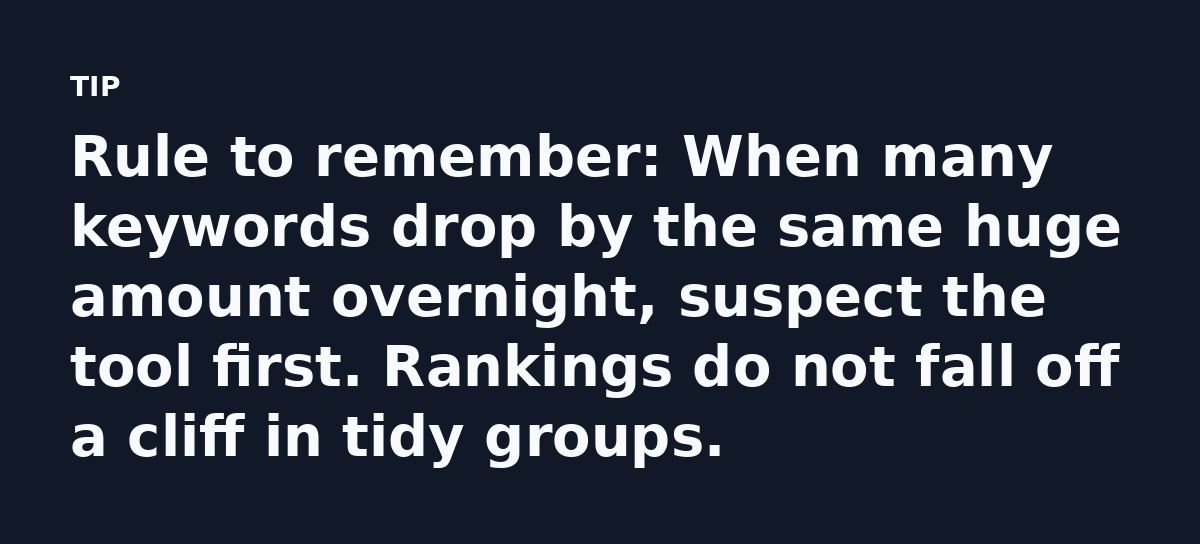
So half your keywords read correct and half read broken. That split is the tell. A real ranking drop hits one or two keywords, while a tool glitch wipes out a whole cluster at once.
Fix Rank Tracking Data Accuracy in Four Steps
You need a second opinion. Run this check before any client call.
Step one. Pull the same keyword from Search Console. Set the date range to match the report. If GSC shows steady impressions and your tracker shows a collapse, the tracker is off.
Step two. Search the keyword yourself in an incognito window. Add the client’s city if the keyword is local. See where they actually appear.
Step three. Look at clicks and conversions. A keyword cannot be invisible and still drive sales. If orders are steady, the ranking is probably steady too.
Step four. Confirm the location and device settings. A tracker set to a country code can report positions your real buyers never see. Match the setting to the market that matters.
The One Number Most Reports Leave Out
Position is a weak metric on its own. It changes every time Google refreshes results. What holds steady are impressions and share of clicks.
Track the share of clicks you earn for a keyword, not just the spot. If you held 12 percent of clicks last month and 12 percent this month, ranking did not wreck anything.
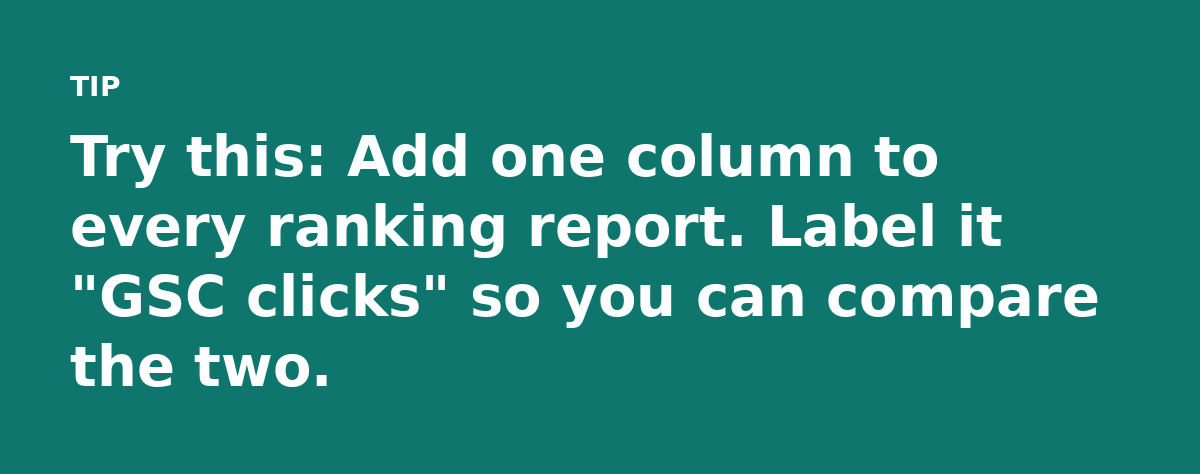
Share of clicks comes from Search Console. Divide your clicks by total impressions for that query. That ratio travels well between tools. Position does not.
What the Bad Reporting Actually Costs You
Trust is the real damage. Send a client a report that says their top keyword vanished and they start shopping for a new agency. You spend the next week calming them down. That is unpaid work caused by a data glitch.
There is a second cost. Bad data leads to bad decisions. You rewrite a page that was performing fine or chase a keyword that never moved, so budget gets burned on a problem that never existed.
Set a Single Source of Truth
Pick one tool as your main rank tracker and keep it. Then treat Search Console as the referee for anything that looks strange.
Decide this in advance. When a number looks off you already know where to look, so there is no arguing with clients or guessing under pressure.
Add a short note to each report explaining that rankings come from one tracker and may differ from what users see. Clients respect the honesty. It also covers you when Google runs its next update.
Keep These Things in Mind
- A sudden mass drop is a data problem until proven otherwise.
- Share of clicks holds steadier than position over time.
Your Next Move
Open last month’s ranking report. Find the three biggest drops. Check those exact keywords in Search Console and confirm the real position yourself.
If the traffic and clicks are fine, you just caught a broken tool before it cost you a client. If the drop is real, you have a genuine problem to fix and proof to share. Either way you stop reporting fiction.
A ranking tool is a smoke alarm that tells you where to look. Build the habit of checking and you will never be blindsided by a report again.
Watch the 30 second summary
Video transcript: A real drop hits one or two keywords. A glitch wipes a whole cluster at once. That split is your tell. Pull the same keyword from Search Console. Match the date range. Steady impressions means the tracker is wrong, not the site. Search the keyword yourself, add the client city if local. See where they actually appear before you panic. Position changes every refresh. Watch the share of clicks from Search Console. Steady clicks mean ranking held steady.