

Executive Summary
Your published posts already rank for real searches, but the listings are losing people who see them. This guide gives you a plain process to optimize existing blog posts so they earn more clicks without writing anything new.
The Click Math Shows Where You Stand
One hundred clicks from 20,000 impressions is a click-through rate of 0.5%. Most healthy blogs land between 2% and 3% once they reach page one. That gap is your whole opportunity.
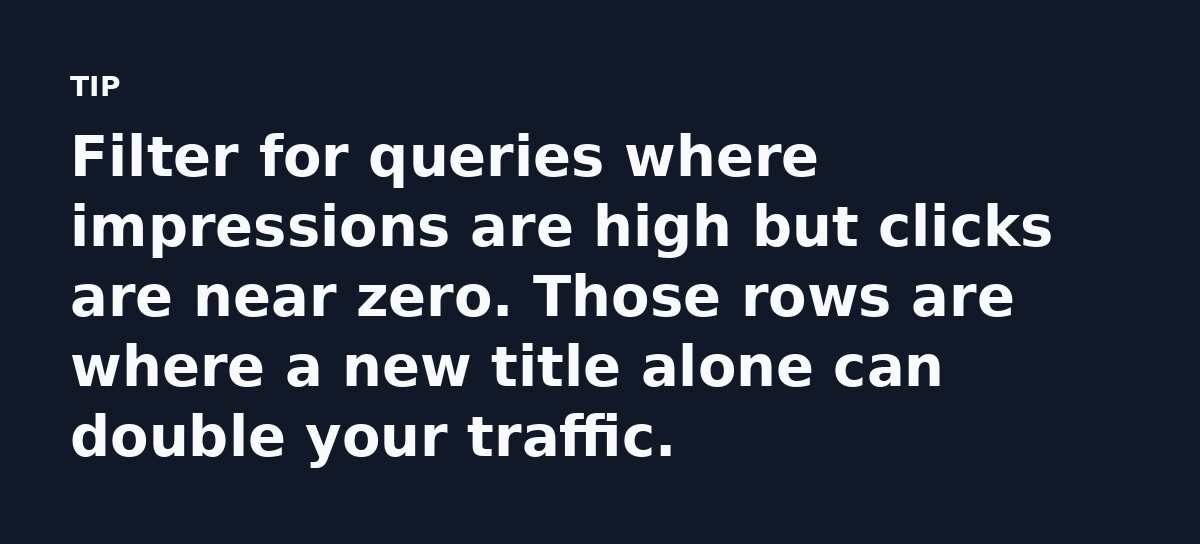
Start inside Google Search Console, open the Performance report and set the range to the last 90 days, then sort queries by impressions. Any page sitting between position 5 and position 15 with a weak click rate is a candidate. It is visible and close to ranking well.
Build One Sheet Before You Touch a Single Post
Export your Search Console data to a spreadsheet instead of editing from memory. Add four columns: URL, top query, current position and clicks.
Seventy posts is too many to fix in one sitting. A sheet lets you sort by likely return. You work top down and stop when your time runs out.
Rank Posts by Effort and Upside
A post at position 8 with 2,000 impressions deserves work today. A post at position 60 with 30 impressions can wait. The sheet keeps you honest about that.
Titles Decide the Click
Your title tag is the headline people read in search results. It does more for clicks than any paragraph in the body. Keep it under 60 characters so Google does not cut it off.
Front-load the words searchers typed. If the query is “email list building for realtors,” that phrase belongs near the start.
Name the reader and the outcome. A title like “How to Build an Email List of 1,000 Realtors in 90 Days” tells the searcher the page is for them.
Change One Thing, Then Wait
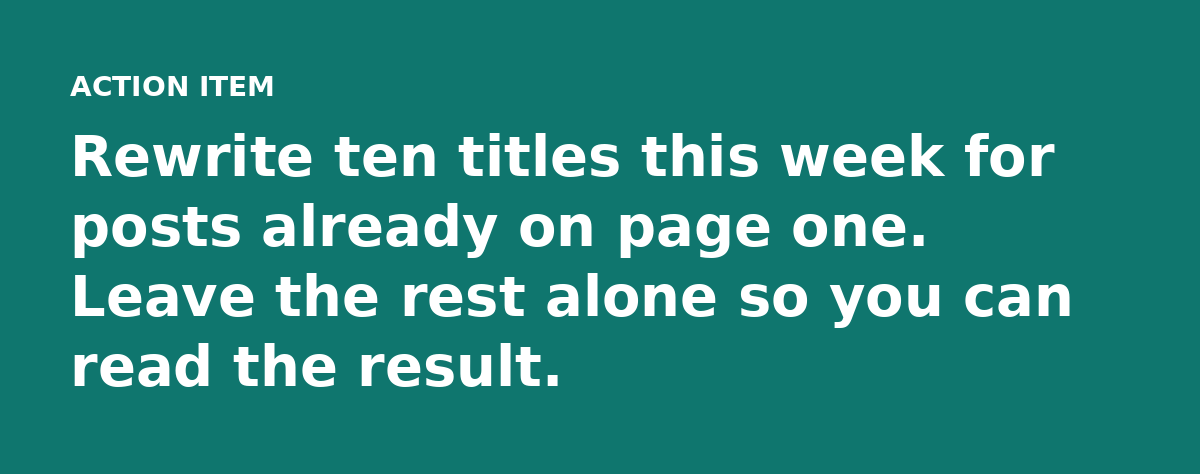
Rewrite the title, wait two weeks and compare the click rate in Search Console. If it drops, you learned something and can switch back.
Meta Descriptions That Get Read
Meta descriptions rarely change rankings, but they change whether a person clicks. Google rewrites them often, yet a clear one raises your odds of keeping what you wrote.
Stay near 155 characters, answer the question in the query and give a reason to click now, like a number or a clear benefit.
Match the Job the Searcher Wants Done
A query tells you the format people expect. Someone searching “what is a lead magnet” wants a definition. Someone searching “best lead magnet ideas” wants examples.
Read your post as if you were the searcher. If the page opens with three paragraphs of background before the answer, move the answer up. That one edit can lift a page from position 9 to position 4.
Refresh the Content, Keep the URL
Old posts carry backlinks and history, so update them rather than deleting them and starting over.
- Add the missing section the query demands.
- Replace dead links and outdated screenshots.
- Rephrase thin paragraphs with something specific.
- Fix tool names or prices that changed.
A freshened page tells Google the content is maintained.
Internal Links Do Quiet, Steady Work
Links from your stronger pages pass value to weaker ones. Walk through your best-performing post and link out to two or four older posts that deserve more attention.
Use anchor text that names the topic. “Email list building guide” tells Google more than a generic “click here.” Every link helps it understand the page you point to.
A Simple Workflow to Optimize Existing Blog Posts
- Export Search Console data and sort by impressions.
- Fix titles for the top twenty posts first.
- Rewrite meta descriptions where the click rate is weak.
- Refresh content on pages ranked between position 5 and 15.
- Add internal links from your strongest posts to the pages you updated.
You optimize existing blog posts in order of return. The first ten edits usually produce most of the gains.
Know What a Win Looks Like
A title change that lifts a page from 0.4% to 1.2% is a real win. Do not wait for a page to reach position 1. Small, steady movement across many posts adds up fast.
Track each edit in your sheet. Note the date and the new click rate two weeks out. This turns guesswork into a repeatable habit.

What to Do Next
Open Search Console today, sort by impressions and pick one post on page one with a low click rate, then rewrite its title.
The clicks are already sitting there. You just have to earn them.
Watch the 30 second summary
Video transcript: Open Search Console and sort by impressions. Any post ranked between position 5 and 15 with weak clicks is your best candidate. Your title tag wins the click. Keep it under 60 characters and front-load the exact words people searched for. Meta descriptions rarely change ranking but they change clicks. Stay near 155 characters, answer the query and give a reason to click. Rewrite the title, wait two weeks and compare click rate in Search Console. If it drops, switch back and try again.