Key Takeaway
A blog post about a sale keeps working long after the sale ends. The rankings hold and the clicks trickle in for months. Delete it and you throw that away. Update it and you get a running start on the next launch. The real fix is a small sorting habit you repeat every season.
Field Note: The Page That Outlives the Event
I tracked one department store’s annual anniversary sale post for eleven months. The sale itself ran for roughly two weeks. The page kept pulling search clicks for the other forty-eight weeks.
The numbers were modest, fifty to two hundred clicks a month, but they never dropped to zero.
During the event that page had one job. After the event it acted as a signpost and a waiting room for next year.
That gap between “event over” and “page dead” is where most people make the wrong call.
Field rule: A time-sensitive blog post has two lives. The event is the short one. The URL is the long one.
Why the Urge to Delete Feels Right
A dead sale page looks messy because the dates are wrong and the prices are gone.
Search engines do not read your calendar. They read links and age. A page that has sat live for a year has collected all of that without you paying for it.
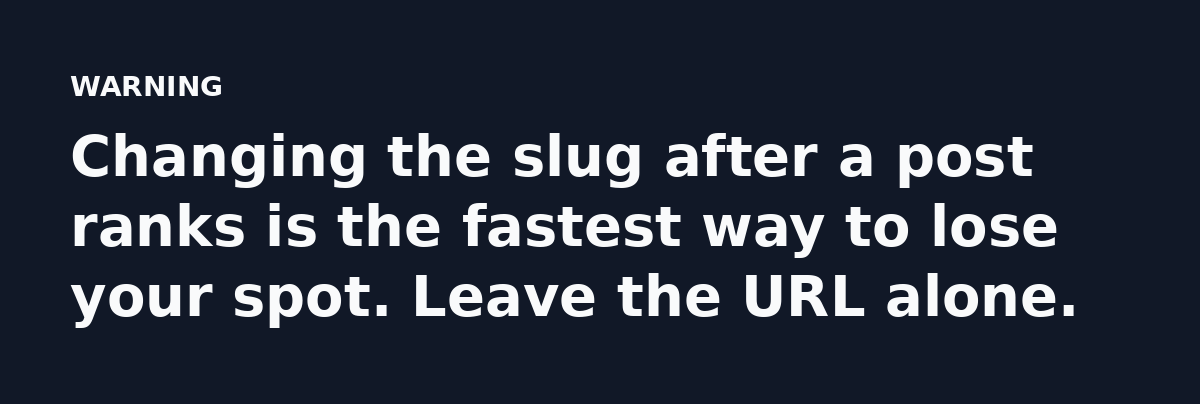
Deleting it also kills the URL. Every site that ever linked to you now points at a 404.
The Four Buckets to Sort Every Seasonal Post Into
Every event post fits one of four buckets. Sort first, then act.
- Leave it up. The event comes back and the page still ranks on its own.
- Update it. This is your traffic driver and the event returns each cycle.
- Archive it. The event is gone for good. Add a noindex tag and pull it from your sitemap.
- Delete it. The page never earned a single link and never ranked past page five.
A post with ten backlinks and a post with none do not deserve the same ending.
The Quick Math That Changed My Mind
Here is a rough formula I run in my head. Take the monthly organic clicks a post earns after the event and multiply by the months until the next event. That number is the free traffic you lose by deleting.
Say a post gets eighty clicks a month and the event returns in ten months. That is eight hundred visits. At a two percent affiliate conversion and a fifteen dollar commission, you leave about two hundred forty dollars on the table.
Add five seasonal posts and it adds up fast. You also lose the ranking history and rebuilding that from scratch can cost you a full cycle.
Things to remember: Age is an SEO asset you cannot buy back. A 404 wipes it clean.
Updating a Sale Post Without Breaking It
Do not rewrite the whole thing. Keep the URL and the sections that rank.
Change the dates and the prices. Add one clear sentence that tells the reader the sale is over and when the next one lands. That single line stops the bounce.
Then check your internal links. Point them at the current seasonal hub, not a page from two cycles ago.
Refresh the images. A screenshot with old prices screams stale to a returning reader.
Reader Trust Is the Hidden Cost
A reader who lands on a sale page with wrong dates learns that the details may be old and that doubt carries into every other page they read.
You can fix it with one line: “This sale has ended. The next one is expected around [season].” That sentence protects trust and keeps the page useful.
You do not need a full rewrite each time, only honesty at the top of the page.
The Habit That Solves This Forever
Set a recurring reminder for the week before each event. Pull your old posts into one list. Update the top two or three by traffic, then leave the rest alone.
That is the whole system, no plugin and no agency.
What I Do With the Leftovers
Some posts deserve to go: a one-off coupon for a store that closed, a flash sale with no return date. Those get noindexed and pulled from the sitemap.
The goal is to decide on purpose instead of letting stale pages sit there and confuse readers.
Action Plan for Today
- List every event post you have published in the last two years.
- Tag each one as leave, update, archive or delete.
- Update the ones with links or rankings and keep their URLs.
- Noindex the dead ones, then move on.
Pick the posts that earned links, refresh the facts and keep the address.
Watch the 30 second summary
Video transcript: A sale page keeps ranking and pulling clicks for months after the event. That old URL is free traffic you already earned, so never just delete it. Refresh dates, prices, and links when the event returns. You get a running start because the page already has age and ranking history. If the sale is gone for good, add a noindex tag and pull it from your sitemap. Keep the URL alive instead of serving a 404. Multiply monthly clicks by the months until next event. That is the free traffic you lose by deleting. Five posts add up fast.