
The Number That Settles It
A shop owner who bills $150 an hour spends three hours chasing a software glitch. That is $450 gone. The fix from a support tech costs $120.
That gap is the entire decision. Your time is the budget here.
Most people guess wrong about when to escalate because they look at how hard the problem is. What matters is what your hour is worth and how long you have already spent.

Do This: Set the Stop Time Before You Login
Before you open the settings window, pick a time. “If this is not fixed by 2:30, I call someone.” Choose that number now while your head is clear.
At hour two you will be annoyed and stubborn. You will keep going because quitting feels like losing. Set the line early so the annoyed version of you has to obey it.
Steady focus on one technical problem holds up for about 60 to 90 minutes. Past that, mistakes climb. People start deleting settings that worked fine an hour ago.
Not That: “Just One More Restart”
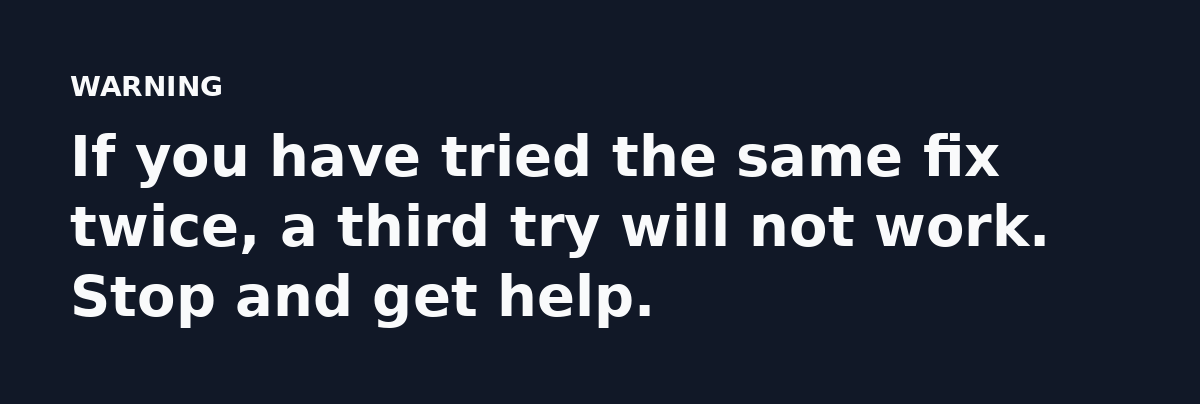
One more restart. One more forum thread.
Each extra try feels small. Together they eat your afternoon. The problem gets no closer to solved and your temper gets worse.
Do This: Keep a Trail of What You Changed
Jot down every setting you touched and every error message you saw. This turns a wasted afternoon into useful notes.
When you hand off, the tech skips the first 30 minutes of guessing. You get billed for the fix instead of the time spent finding the cause.
A screenshot of the error beats a paragraph of description every single time.
Not That: Change Several Things at Once
If you flip five switches and the problem clears, you have no idea which one mattered. Next month it comes back and you start from zero.
Change one thing, test it and write down the result before you move to the next.
A Dead Simple Escalation Formula
Here is the math in plain terms:
(Your hourly value x hours spent) + cost of your stress = what the DIY fix really costs.
Compare that number to the quote for getting help. If DIY is higher, escalate. You do not need a spreadsheet. Round numbers work fine.
Do This: Tell a Bug From a Gap
A bug is broken software. The button does nothing and no amount of learning on your side fixes it.
A gap is missing knowledge, such as not knowing where a setting lives. That is worth learning because it will come up again.
Spend your own time on gaps and pay someone for bugs. Mixing these up is why people waste whole days.
When Paying for Help Costs Less
Escalation is the cheaper call in a few clear cases:
- The tool touches money or customer data. One wrong click can cost far more than the support fee.
- A deadline is close and the work is blocking someone else on your team.

The Help Worth Your Money
Good support does two things. It solves the problem and it explains the cause in one plain sentence.
If a tech fixes it and cannot tell you why it broke, you will be back. Ask this question up front: “Can you show me what caused it?”
That single answer often stops the next three tickets. It also teaches you something you can handle alone later.
What to Do Next
Today, write your hourly value on a sticky note. Put it near your monitor.
Next time a tool breaks, set a stop time before you touch it. When it hits, hand the job off with your notes and get back to work that pays.
Knowing when to escalate keeps your books clean and your projects on schedule. Spend your hours on the work only you can do.
Read the full guide: Three Hours on One Support Ticket: A Case Study in Fixing Software Problems Yourself