Key Takeaway
A business owner lost almost three hours on a single software support thread to answer one automation question. The fix was a short diagnostic habit that answers most setup questions before the first email ever gets sent.
The Setup
She paid close to $400 a year for her email platform. One feature mattered that week: she needed a tag to fire an automation.
She had run CRM systems and email campaigns for years. She was asking why her automation would not start.
She wrote to support, then the first reply asked for detail she had already given and the second asked again. Two hours in, the thread was long and still empty of an answer.
Where the Hours Went
Read the thread and the pattern is ordinary. Each message described the goal and each reply asked for the current state.
Nobody checked the order of the steps. The tag and the automation both existed, but the link between them did not.
One screenshot beats ten descriptions
The owner kept describing what she wanted and support kept guessing at what she had built. A single screenshot of the automation would have ended the loop in one reply.
Why the Vendor Could Not See It
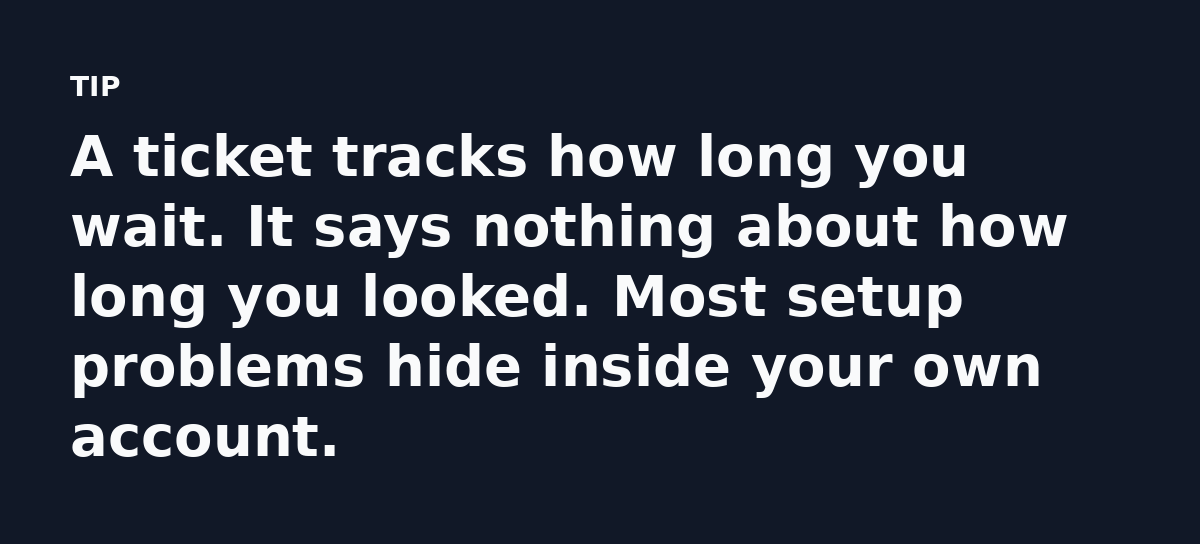
Support agents work from a queue and cannot open your dashboard, so all they see are your words.
So they do the only thing they can and ask you to check, which turns a five-minute fix into a two-day thread.
The Habit That Fixed It
She rebuilt the problem for herself by opening the automation and reading it top to bottom. The trigger was set to “tag added,” but the tag she had actually applied was a different one.
At a modest hourly rate, three hours runs past $150 for one question.
Write the answer before you ask
Before opening a ticket, list what the system should do. Then list what it does.
The distance between those two lines is the bug. Most of the time you spot it once both are written down.
A Short Diagnostic Routine
Run this before you contact anyone. It costs ten minutes and can save days.
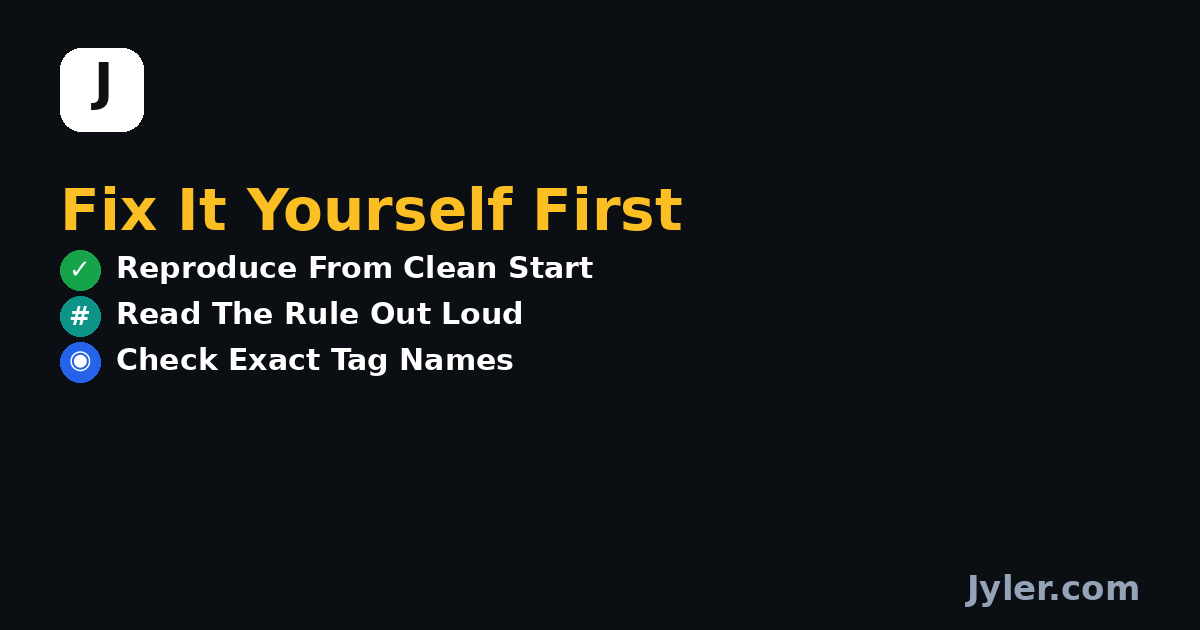
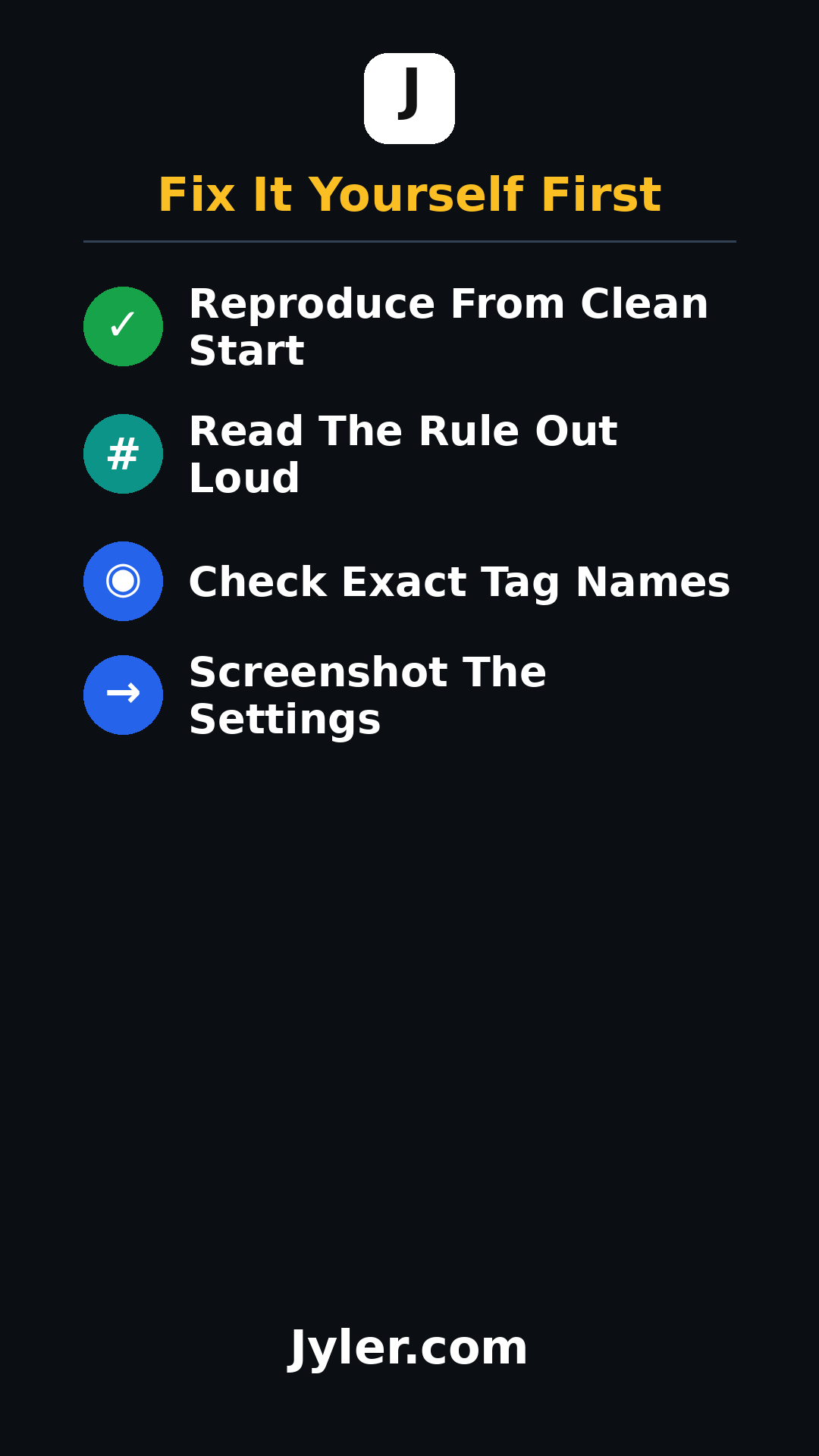
- Reproduce the problem once from a clean start.
- Read the rule out loud, in order.
- Check the exact names of your tags and triggers.
- Take a screenshot of the settings and attach it to the ticket.
If those four steps do not solve it, you now hold a clear question. Support can answer a clear question fast.
Use AI as a First Pass
She admitted a chatbot gave her a better hint than the vendor did. That is common, since AI is good at spotting patterns across similar setups.
Treat it as a second opinion that can point you at the likely cause, but it cannot see your account, so check every step inside your own tool.
Build a Runbook You Own
Every answer you dig up is worth keeping. A shared note with your common fixes becomes an asset that outlives any one subscription.
Write down the trigger and the exact tag name. Note the date you confirmed it works, so next time the answer sits one search away.
What This Case Really Shows
Nothing was broken. The process simply had no owner on the customer side.
When you own the first diagnostic step, you use vendor support only as a backup.
Your Next Move
Pick the one software question that has been slowing you down this month. Reproduce it and write the gap in one sentence.
Do that first and send a ticket only if the gap still will not close. Most weeks you will not need to send one.
Watch the 30 second summary
Video transcript: Run the problem once from a clean start. Watching it fail in real time shows where the setup breaks. Open the automation and read it top to bottom, in order. Most setup bugs hide in one missed or misordered step. Tags and triggers must match letter for letter. One different tag is why the link never fires. Verify the exact names. Attach a screenshot to your ticket. One image beats ten descriptions and lets support answer in a single reply.