Key Takeaway
A business owner’s monthly campaigns kept failing DMARC while every record in their DNS panel looked fine. The problem was that none of them matched the domain actually doing the sending. This case study shows the header clues that revealed the gap and the record changes that closed it.
The Symptom: Fail Reports With No Obvious Villain
A small service business sends one campaign a month to roughly 6,000 subscribers. Their inbox placement was decent. Then the DMARC aggregate reports started listing failures on every send.
The owner assumed the reports were a glitch and, since email was still arriving, ignored them for two months. The major mailbox providers now require authentication for anyone sending more than 5,000 messages a day to their users. A fail rate that climbs quietly can turn into blocked mail fast.
The DMARC policy was set to p=none, which means “report only, do not block.”

Reading the Headers Like a Detective
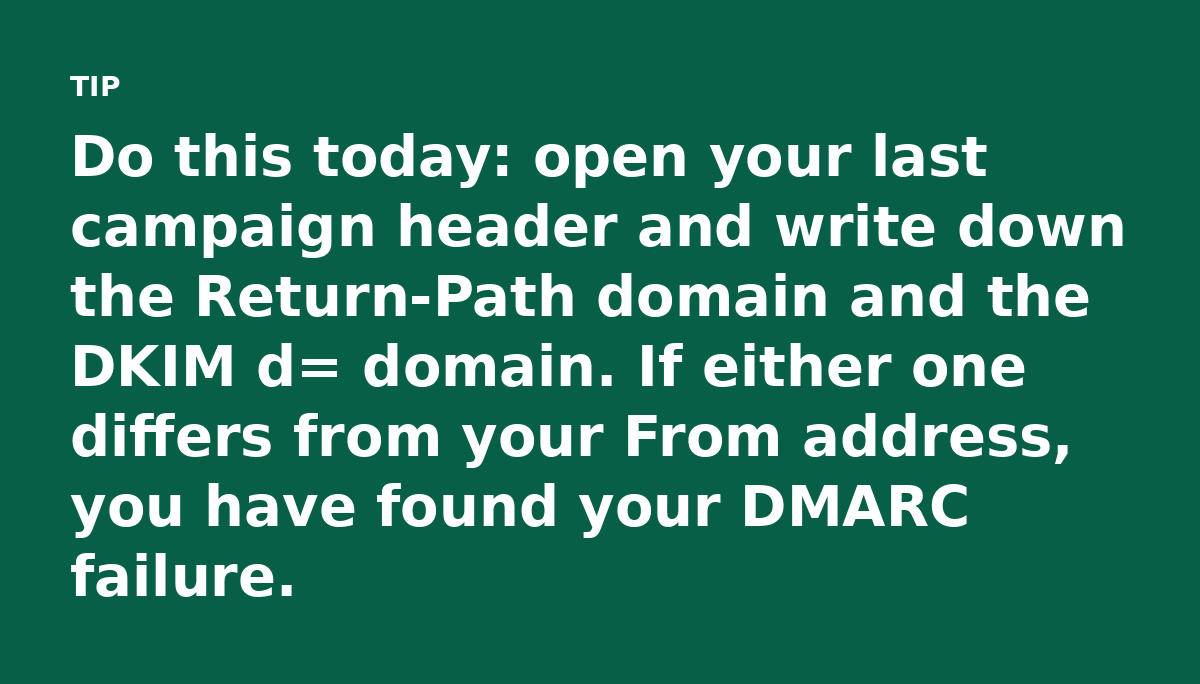
The owner forwarded one campaign to themselves and opened the full headers. Two lines jumped out.
The DKIM signature came from the sending platform’s own domain. The Return-Path address sat on one of its bounce subdomains, so neither matched the business domain.
What Is DMARC Alignment?
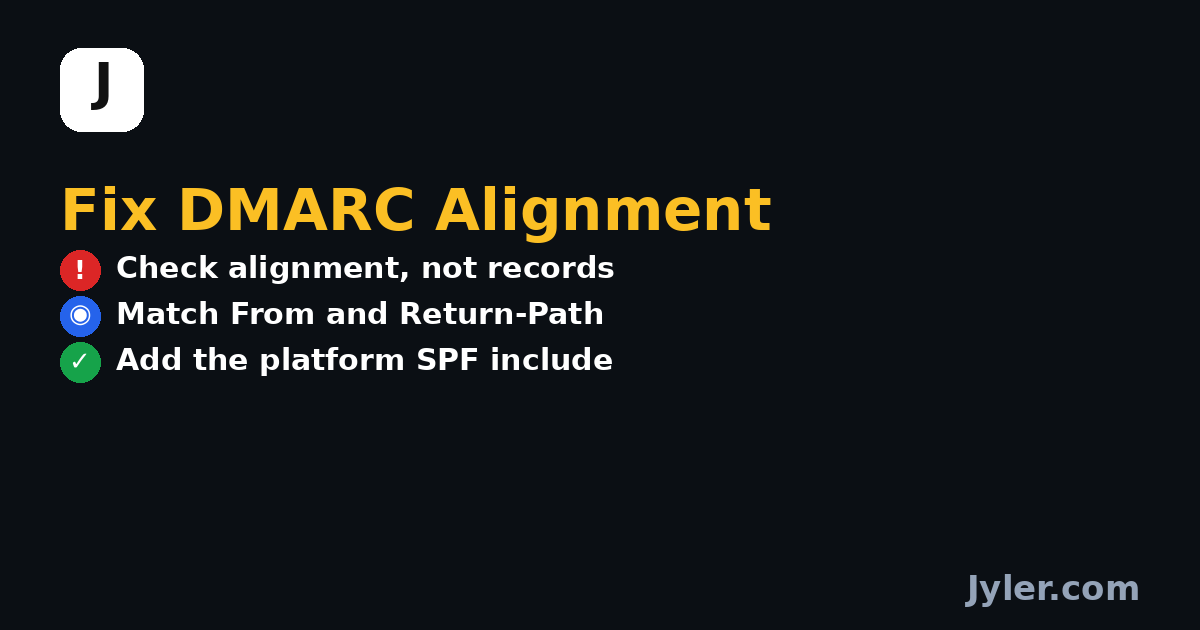
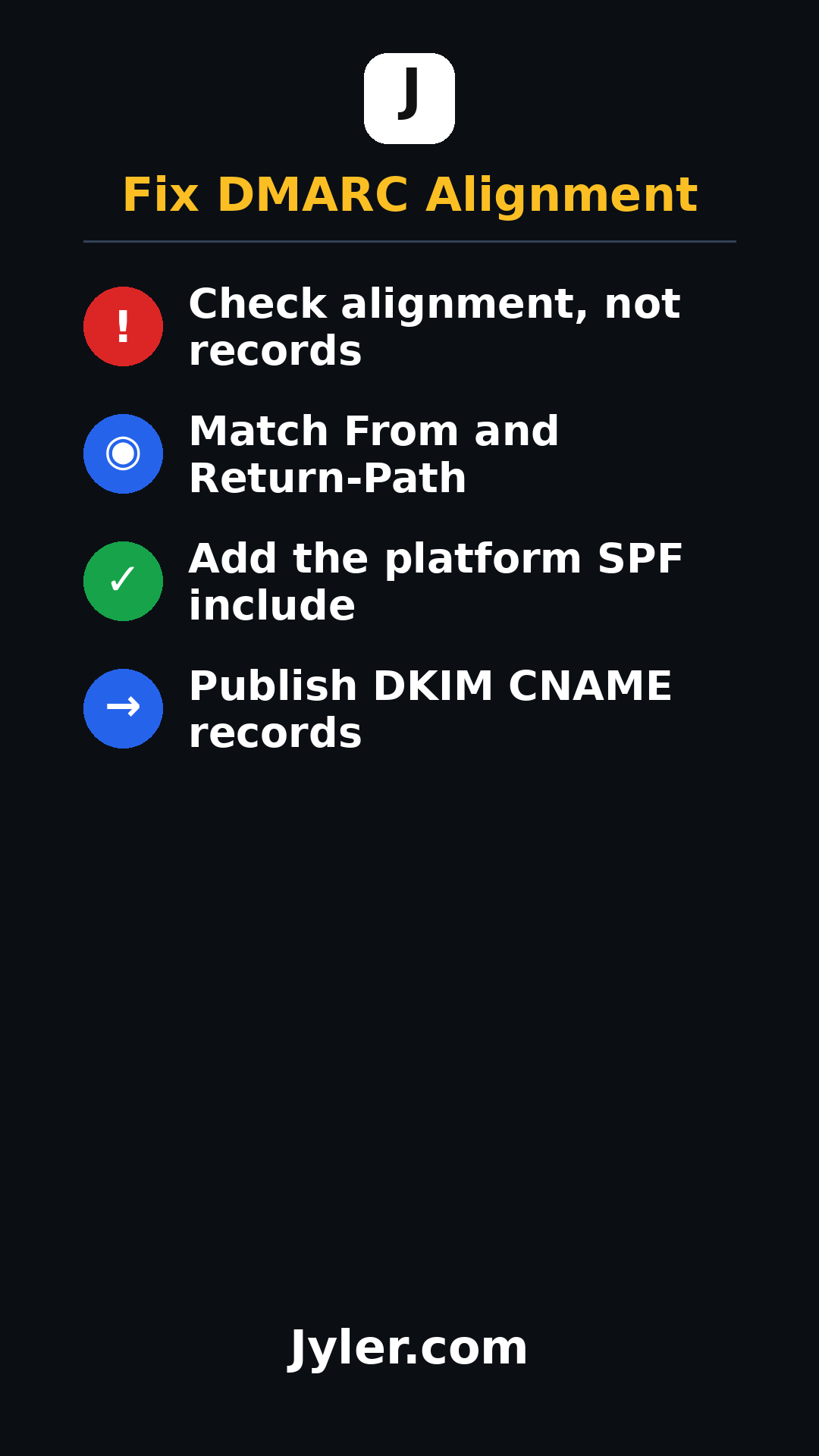
DMARC passes only when the domain in the From address matches a domain that passed SPF or DKIM. That match is called alignment. There are two ways to get it.
- SPF alignment: the Return-Path domain lines up with the From domain.
- DKIM alignment: the d= value on the signature lines up with the From domain.
In this case neither lined up. The From domain was the business. SPF itself may have passed for that platform. It still failed alignment, so DMARC failed.
Why the Existing Records Did Not Help
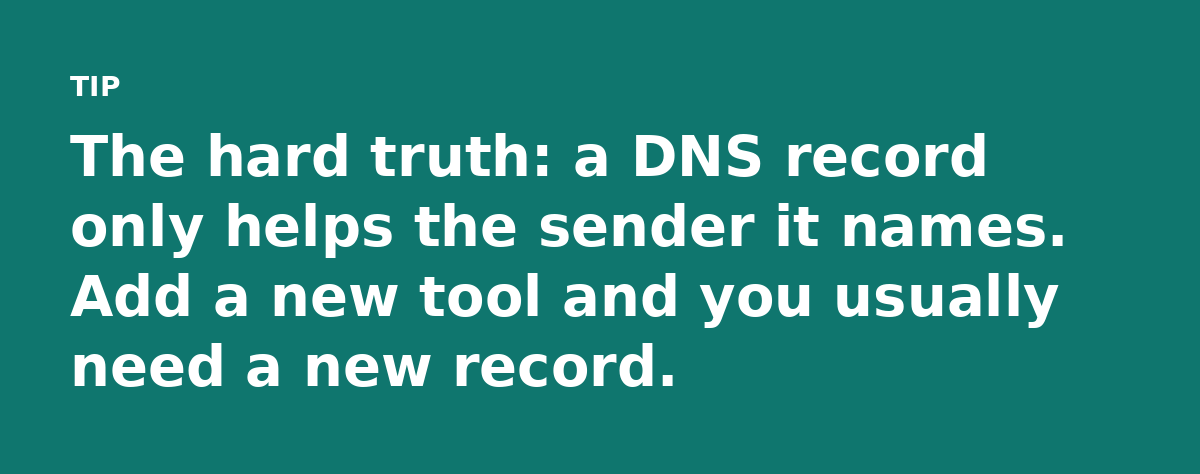
The SPF record listed the web host and Google Workspace. It did not list the marketing platform. So even the sender’s own servers were not authorized in the domain’s SPF.
DKIM had a key published for Google Workspace. The marketing platform signs with its own key under its own domain. Publishing a Google key does nothing for a signature that never mentions the business domain.
The Fix: Two Record Edits
The owner asked the marketing platform for its authentication details. Every good platform publishes a setup page with them. That page listed an SPF include and a set of CNAME records for DKIM.
Edit One: Extend the SPF Record
The platform’s include was added to the existing SPF string, which still ended in ~all. SPF allows 10 DNS lookups total and adding one include is cheap. Stacking five or six breaks the record, so keep a count.
Edit Two: Publish the Platform’s DKIM CNAMEs
The platform provided two CNAME records that point its signing keys at the business domain. Once live, the signature on every campaign carries the business domain in the d= field. That creates DKIM alignment even though the sending server is owned by someone else.
What the Reports Showed Next
Two campaign cycles passed. The aggregate reports flipped from fail to pass on the aligned sources. The owner also spotted leftover failures from an old form plugin nobody remembered. The reports surface every sender using your domain, including the ones you forgot.
If your reports still show fails after the fix, do not guess. Recheck the header, then publish a record for whichever domain does not match.
Keep These Rules Handy
- Every third-party sender needs its own include or its own signing key under your domain.
- Move the policy from p=none to quarantine only when the reports run clean.
The whole job took under an hour of DNS work and two sends of waiting. The campaigns now authenticate on every pass.
Watch the 30 second summary
Video transcript: Every record in the panel looked correct, yet each campaign failed DMARC. The real problem was that nothing matched the domain doing the sending. DMARC passes only when the From domain aligns with SPF or DKIM. Here neither matched, so every send failed. The SPF record listed the web host and Google, not the marketing platform. Add its include so the sender is authorized. A Google key does nothing for a signature that never mentions your domain. Ask the platform for its DKIM CNAMEs and publish them.