
Executive Summary
A 22% open rate can mean record growth or quiet decay. This guide shows you how to set real email open and click rate benchmarks before any report lands, so the figures point to a clear next step.
The Quiet Reason Most Email Reports Feel Useless
You open the dashboard and find that opens are down and clicks are flat. Someone in the meeting asks, “Is that bad?” Nobody knows.
That pause is the whole problem: a metric with no reference point is trivia. A benchmark answers one question fast: is this normal for us or is something broken?

Myth 1: One Benchmark Fits Every Business
You will find plenty of charts claiming the average open rate is 21% or the average click rate is 2.6%. Those numbers get passed around like gospel.
They are only starting points. A tight list of 400 buyers who asked for your emails will crush a cold list of 40,000.
Fact: Segment does more work than industry. A newsletter list and a post-purchase list behave like different species. Pull your number from the segment you actually sent to.
Myth 2: Open Rate Is The Score That Matters
Open rate used to be the headline stat. It is now the softest one you have.
Many email providers now load images automatically, which can register an open even when nobody looked. Image blocking does the same damage in reverse.
Fact: Clicks survive that noise because a person who clicks chose to act. Lean on click-to-open rate to see if the people who did open cared about the offer.
Here is the formula worth memorizing:
Click-to-open rate = (unique clicks / unique opens) x 100
A 12% click-to-open rate on a 30% open rate beats a 40% open rate with 3% clicking.

Myth 3: Benchmarks Are Targets To Hit
This one causes real damage. Teams treat a 25% benchmark like a quota and start chasing it with clickbait subject lines.
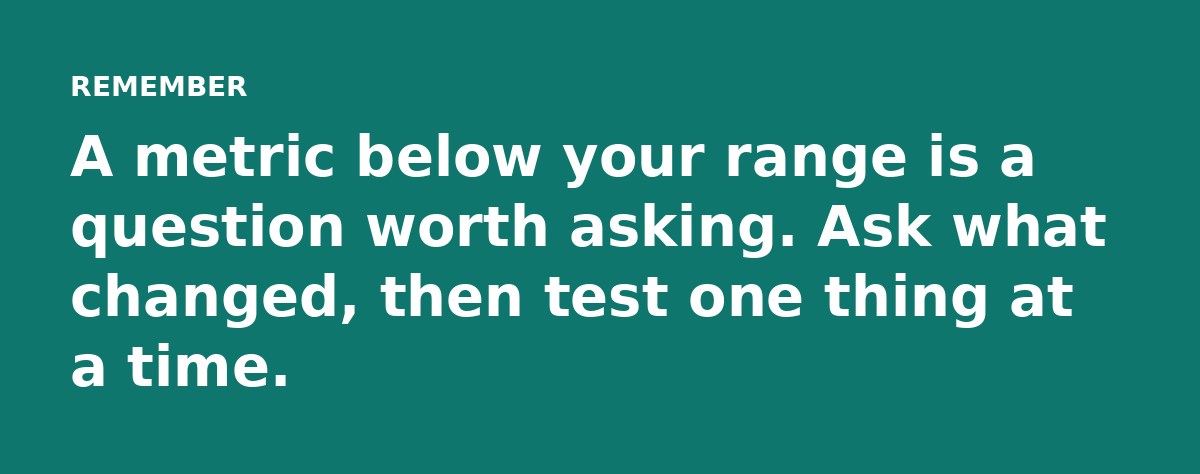
Benchmarks are tripwires that tell you when a change is worth investigating.
Fact: A healthy benchmark is a range. If your list normally lands between 28% and 34% opens, a jump to 36% is noise. A slide to 18% deserves a look at your sender reputation.
Myth 4: You Can Judge A Campaign From One Send
One email is a coin flip. Industry, day of week, subject length and list fatigue all move the result.
Fact: Build your baseline from a rolling window. Take your last 8 to 12 sends to the same segment, toss the highest and lowest, then average the rest. That trimmed figure is your honest benchmark.
Do this once per segment.
Myth 5: Industry Averages Are Good Enough
Every benchmark report groups businesses differently: one lumps SaaS with software while another splits them. Your “industry average” can swing 10 points depending on who published it.
Fact: Use published averages only as a sanity check. Your own history is the only data that knows your audience and your reputation.
How To Set Your Benchmarks In 20 Minutes
Grab a spreadsheet and list your last dozen sends to one list, then add the recipients, opens, clicks and conversions.
Now calculate four numbers for that segment:
- Open rate = unique opens / delivered
- Click rate = unique clicks / delivered
- Click-to-open rate = unique clicks / unique opens
- Conversion rate = conversions / delivered
Trim the best and worst sends, then average what remains. Write those four figures down and keep them where you can see them.
What Good Looks Like, Roughly
| Metric | Typical Range | Watch For |
|---|---|---|
| Open rate | 20% to 40% | Sudden drops over 5 points |
| Click rate | 2% to 5% | Flat lines for many sends |
| Click-to-open | 8% to 15% | Under 5% means weak offer or copy |
| Conversion | 0.5% to 2% | Good clicks but no sales |
Treat these as a rough map.
The One Thing To Do Before Your Next Report
Set the benchmark before the send. Build your segment baseline once and every report after that has a reference point.
You will stop asking “is this bad?” and start asking “what do we do about it?” That shift is where email marketing actually gets better.
Read the full guide: Email Marketing Reports: How to Turn Numbers Into Next Steps