Executive Summary
Most email reports track opens and clicks. Those numbers rarely match what the business earned. Email campaign attribution connects each send to real sales, so you can see which messages deserve more budget and which ones quietly waste it.
I once watched a team celebrate a 42 percent open rate for three months. Then the finance lead asked a single question. How much did we make?
Nobody could answer. The campaign was feeding a discount habit that shrank margins.
That gap is the entire problem. Email campaign attribution is the practice of tying an email touch to a purchase, then reporting the money instead of the motion.
Lesson 1: The Headline Number Is the One to Question
Opens are soft data. Some email clients now preload images automatically, so an “open” can fire without a person ever reading a word. Customers who never saw the email still count as engaged.
Click rates are better, but a well placed button can pull clicks from the wrong people. Neither number tells you whether anyone paid.
I stopped trusting open rates after a client’s best performing subject line turned out to pull mostly unsubscribes.
Lesson 2: Tag Links Before the Email Leaves Your Desk
Attribution starts with a string. UTM parameters tag a link so your analytics tool knows the visitor came from an email. Miss the tag and the sale shows up as “direct traffic.”
A basic tagged link looks like this:
yourstore.com/sale?utm_source=newsletter&utm_medium=email&utm_campaign=spring_restock&utm_content=hero_button
Those four fields tell your system the source, the channel, the campaign and the exact spot people clicked. Skip the tag on one link and you introduce a hole that never closes.
Lesson 3: Pick an Attribution Window on Purpose
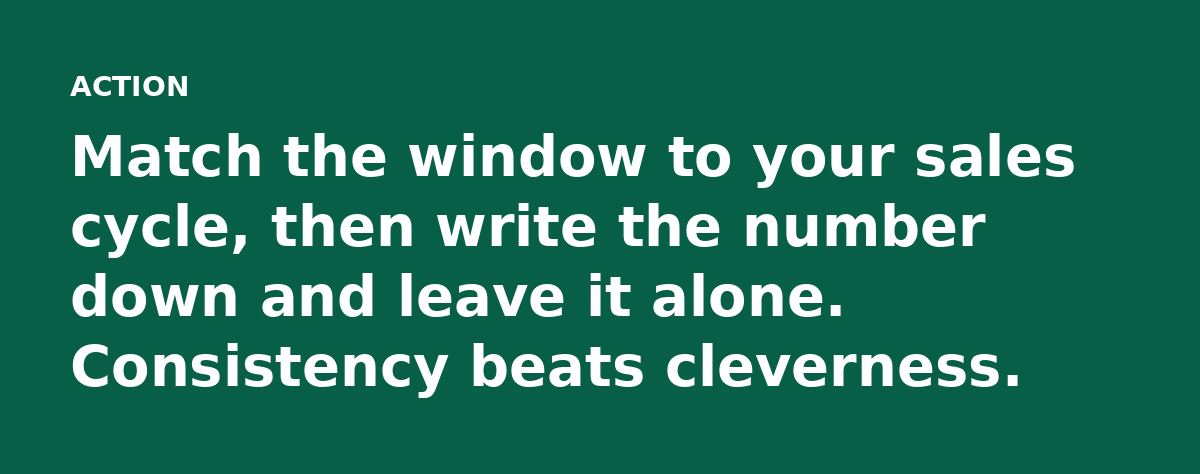
An attribution window is how long after a click you still credit the email. Get this wrong and every report lies a little.
A one day window flatters fast sellers like candy and impulse buys. A 30 day window suits considered purchases such as software or furniture.
Here is the trap. Switch the window and your numbers move without a single thing changing in the real world. Teams have been accused of faking results just by adjusting this setting.
Lesson 4: Last Click and Multi-Touch Answer Different Questions
Last-click attribution gives all the credit to the final email before purchase. It answers one question well. Which message closed the deal?
Multi-touch attribution spreads credit across every email a buyer touched before buying. It answers a different question. Which messages helped move them along?
Each is a lens. A welcome email that warms up a list often loses to a last-minute reminder under last-click, even when it did the heavy lifting.
Run both, using last-click to judge your closing messages and multi-touch to defend the early work that keeps the list alive.
Lesson 5: Reconcile the Email Number With Your Sales System
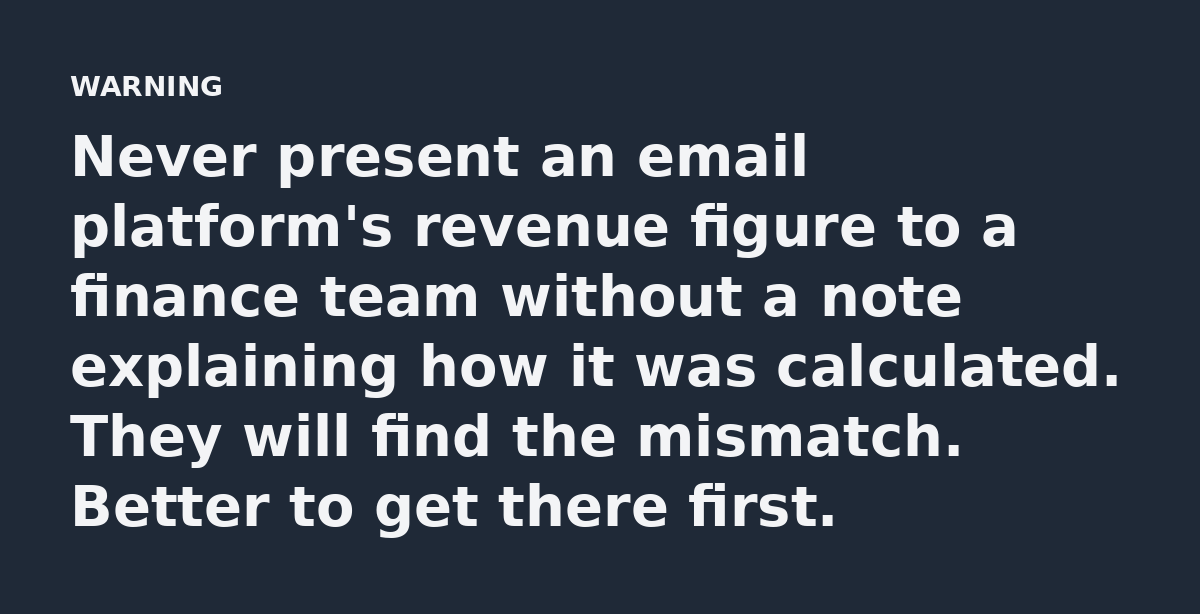
Your email platform reports its own revenue. Your store or CRM reports a different number. The two will almost never match and that is normal.
Do the comparison on purpose: export email attributed sales and actual orders, then find the orders that include both an email click and a sale.
The gap shows you what tracking missed. It also catches double counting, where two tools claim the same dollar.
How to Fix Your Reports This Week
Start small by opening your last three campaigns and checking whether every link carried a UTM tag. Most teams find at least one miss.
Then pick one window and one primary model and add a revenue line to the report your team already reads. Do not build a new dashboard; bolt the money onto the page they already open.
Finally, trace one dollar from click to checkout by hand. Follow the UTM in your analytics and match the email address in your CRM. That single walk through the data teaches more than a month of staring at charts.

The One Thing to Carry Forward
If a campaign cannot show its revenue, treat it as unproven until you tag it and test it properly. That single habit forces every email to earn its place in the calendar.
Open rates feel good on a Monday morning. Revenue still pays the bills on the first of the month. Build the report around the second number and the rest takes care of itself.
Read the full guide: Email Marketing Reports: How to Turn Numbers Into Next Steps