Key Takeaway
Fifteen dollars a month can produce qualified SaaS leads if you spend it on follow-up and one sharp list.
Fifteen dollars covers a domain and a starter email tool.
This tutorial assumes $15. You will pick one buyer, build one asset, send a small number of emails and measure two numbers.
This plan moves the work from ad management to list research.
Why $15 Is Enough for SaaS Lead Generation
Your first job is proof that someone will reply. A list of 40 named buyers costs nothing to build by hand.
Ads punish small budgets. If a click costs $2, $15 buys seven clicks. That is not enough data to judge an offer.
Forty sends at a 5% reply rate gives you two conversations.
The Budget, Line by Line
| Line item | Monthly cost | What it does |
|---|---|---|
| Domain | $1 | Keeps cold email out of your main brand inbox. |
| Email tool | $6 | Sends a short sequence and tracks replies. |
| Form and landing page | $0 | Free tools exist. Use one. |
| List building | $8 | Pays for a small data pull or manual research time. |
The total is $15. If a line item does not help you send or track a follow-up, cut it.
Six Steps to SaaS Lead Generation on $15
Step 1: Pick One Buyer and One Problem
Write this sentence: “We help [role] at [company type] fix [specific problem].” Fill it in before you spend a dollar. If you cannot name the role, your list will be junk.
Example: “We help office managers at dental clinics cut no-show appointments.” That is narrow enough to source 50 names by hand.
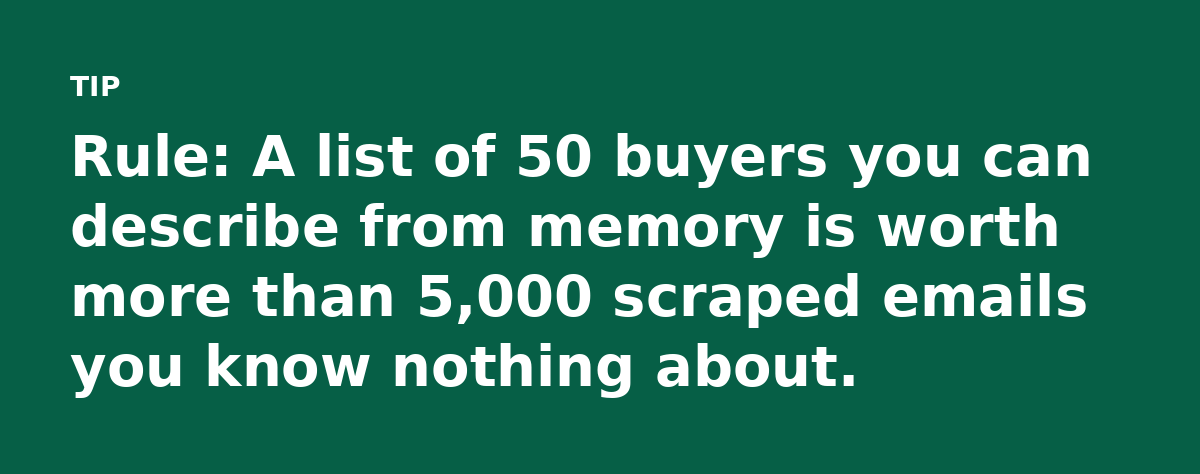
Step 2: Build the Smallest Useful List
Open a spreadsheet. Add two columns: name and trigger. The trigger is the reason you are emailing now. A new clinic opening. A job post for a role your product supports.
Stop at 50 rows. Check each row against your sentence from Step 1. If a row does not fit, delete it. A 50-row list takes about two hours. That time is part of the budget.
Step 3: Write One Asset That Answers a Buying Question
Skip the 40-page guide. Write a one-page answer to the question buyers ask before they book a call. “How much does a no-show cost a dental clinic?” is a real question with a real number.
Put the answer behind a simple form. A free form tool connects to your email tool. The page needs a headline and a form.
Step 4: Send a Two-Email Sequence
Email one: name the trigger and state the problem in one line. “Saw you posted for a patient coordinator.” Then link the asset. No paragraph about your company history.
Email two, three days later: add one new fact. “Industry estimates put the loss at about $150 per no-show.” Then ask a simple question. “Worth a look?”
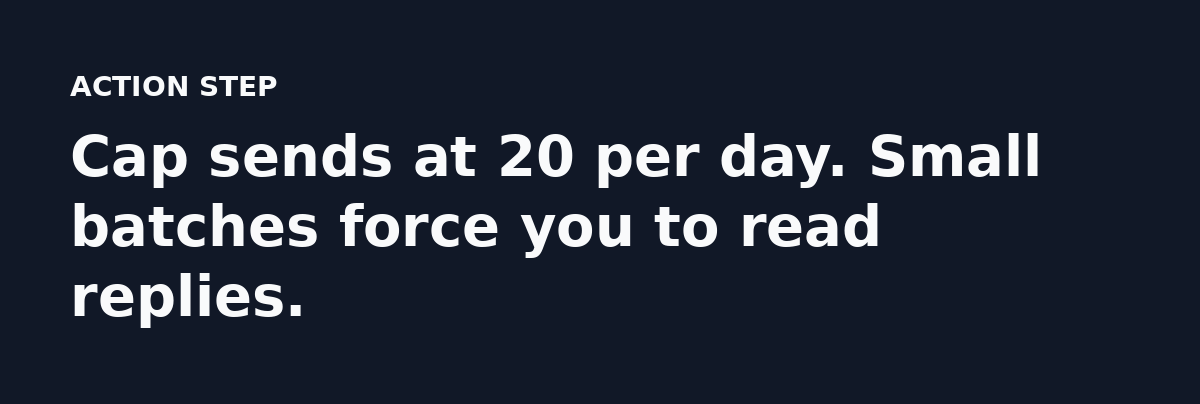
That is the whole sequence. Two emails, then you stop. At $15, every extra email costs attention you do not have.
Step 5: Track Two Numbers Only
Track reply rate and cost per qualified lead.
Reply rate
Replies divided by emails delivered. If you send 100 emails and get 4 replies, your reply rate is 4%.
Cost per qualified lead
Total spend divided by qualified leads. Spend $15 and get one qualified lead and your cost is $15. Get three and it drops to $5.
Define qualified lead before you start. A fit with your buyer sentence and a real problem your product fixes.
Skip opens because they are noisy. Replies and booked calls tell you what happened.
Step 6: Cut What Fails After Two Weeks
After 14 days, look at the numbers. If reply rate is under 1%, change the trigger or the offer. If reply rate is fine but no one books, change the asset. Add clarity before you add budget.
Many micro-budgets die here. A new tool will not fix a vague sentence.
What Good Looks Like at This Budget
One qualified lead per week is a real result. That is four conversations a month. At a $15 spend, cost per qualified lead sits at about $3.75.
Four signals to watch
- Reply rate above 2% on a 50-row list.
- One booked call from every 40 sends.
- Cost per qualified lead under $5.
- Replies that mention the trigger you used.
If you close one customer from those four conversations, the return depends on your contract value. A $500 monthly contract pays for the budget for years. A $5 monthly product makes that return much harder to find. Check what one customer is worth before you scale.
Where the Plan Breaks
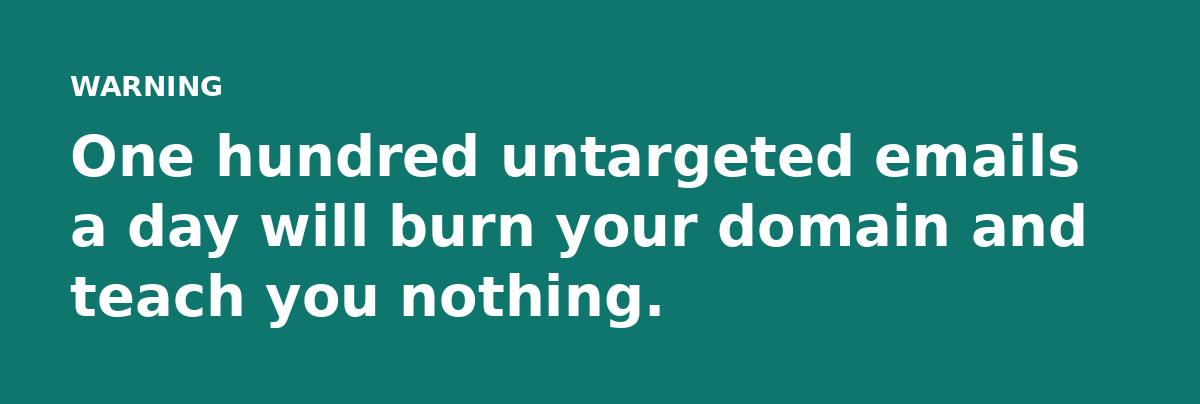
Volume is the first wall. If your sales cycle needs 1,000 emails a week, $15 will not get you there. A missing offer is the quieter problem. A list and an email tool do not make an offer. The asset has to answer a question with a number or a clear next step.
Your Next 30 Minutes
Write the buyer sentence first. Then open a spreadsheet and add 10 names with a trigger for each. That is the whole assignment. Do it before you buy anything.
If those 10 names feel easy to find, you picked a buyer you can reach. If they feel impossible, your sentence is too broad. Fix the sentence before you spend the $15.
The one thing: Spend your first $15 on follow-up. Traffic can wait until the replies prove the offer.
Read the full guide: Lead Generation for SaaS Animation: A $15 a Month Case Study