Key Takeaway
Security scanners open your emails and click your links within seconds of delivery. Those actions show up in your reports as real engagement. Here is a side-by-side look at machine activity against human behavior so you can tell which PDF views came from an actual person.
Two Visitors Arrive After Every Send
You hit send, then two different things show up at your door. One is a program that checks your links for malware. The other is the person you actually wrote to.
Most reporting tools count both as the same event. That single flaw is where your data goes wrong.
The Bot Always Gets There First
According to public reports, tools like Proofpoint and Microsoft Defender rewrite every link in your message. When the email lands, they fetch each URL inside a sandbox to see where it points.
They load remote images too. That image request is often the same tracking pixel you use to count opens.
So the scanner “reads” your email in milliseconds. Your subscriber has not seen the subject line yet.
Why This Wrecks PDF Tracking
Say you send a contract or a price sheet as a PDF link. Your dashboard shows one open and one click. You assume the client read it.
Reality is quieter. A server in a data center downloaded the file and closed the connection. The person may never touch it.
A download is not a view.
Human vs Scanner: A Simple Comparison
Use this table to sort the two apart. No tool required at first, just eyes on the raw event log.
| Signal | Real person | Security bot |
|---|---|---|
| Time after send | Minutes to days | One to thirty seconds |
| IP source | Home or mobile ISP | Cloud host such as AWS |
| Device fingerprint | Phone or desktop screen | Headless client |
| Repeat behavior | One or two visits | Every link at once |
| PDF render | Usually renders the page | Often downloads only |
Four Ways to Flag a Bot Click
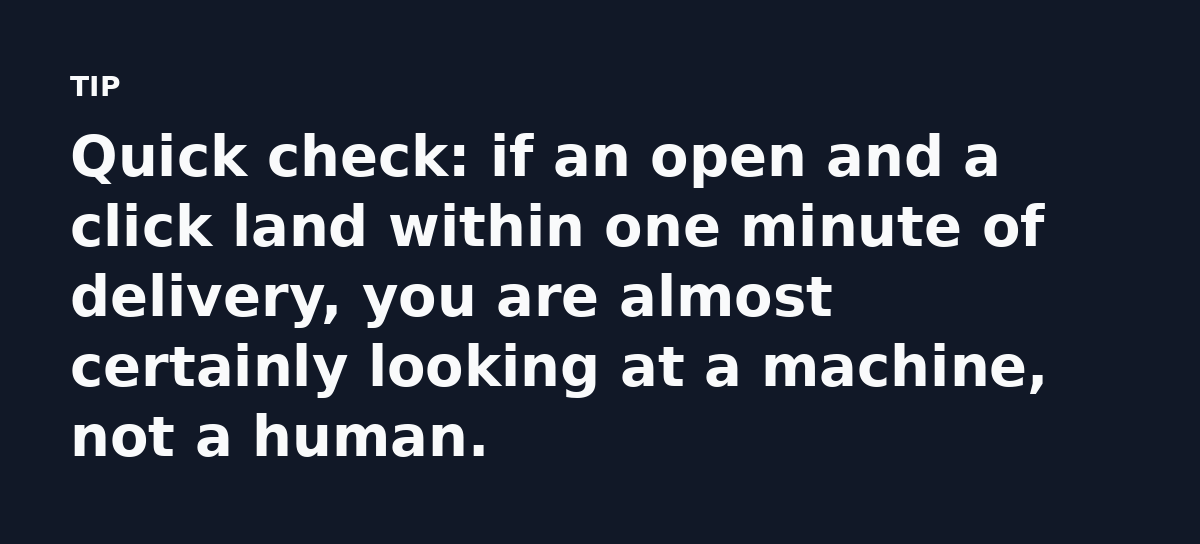
- The open or click fires within a minute of delivery.
- The IP resolves to a data center, not a neighborhood.
- Every link in the message shares the same timestamp.
- The same contact clicks the same link on every resend.
None of these prove a bot on their own. Stack two together and the picture gets clear fast.
The Real Question: Does the Scanner Render the PDF?
This is the part most teams skip: if your tracking fires only when a viewer actually paints the page, a download-only bot will not trigger it.
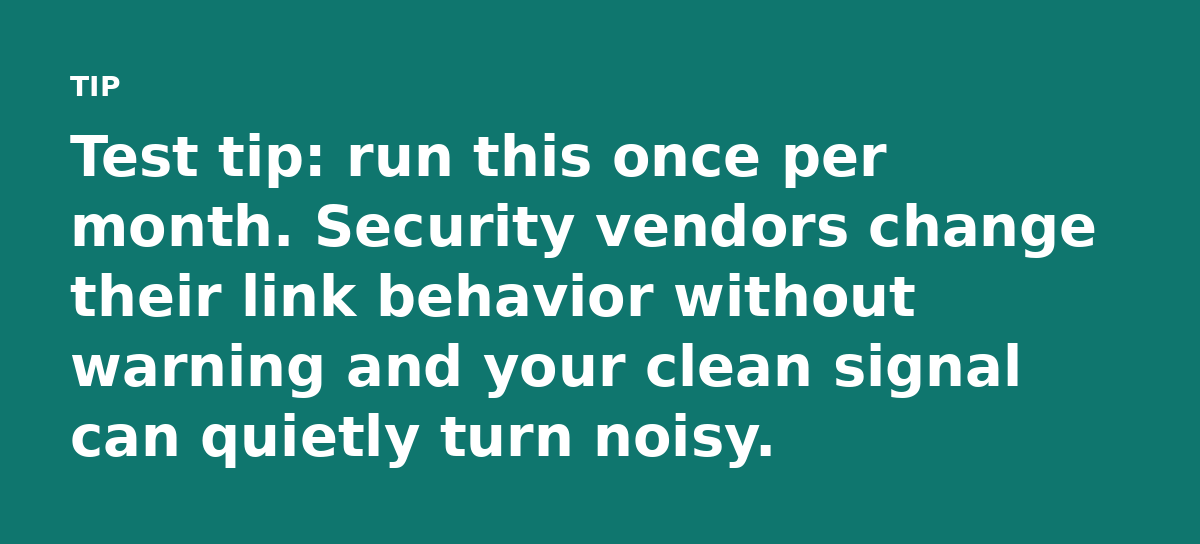
Test it directly. Send the file to a mailbox behind a known security gateway and compare those events with the same file opened on a laptop.
How to Build a Cleaner Signal
Scanners will always hit your files. You can still keep them from voting in your reports.
- Host the PDF behind a viewer page. Track the render event instead of the raw file fetch.
- Give each recipient a unique link so every hit maps to one person.
- Filter known scanner IP ranges out of your engagement reports.
- Ask for a reply or a short form to confirm real reading.
The unique link matters most. When one contact “clicks” fourteen links at 9:03:41, ambiguity disappears.
When a Bot Open Still Helps You
A bot open still helps. It confirms the message reached the inbox instead of the spam folder.
Pair that delivery signal with one human signal and you get a clearer picture than either event gives alone.
What to Do Next
Pick one live campaign. Add a hosted viewer page and log the render event next to your normal click count. The gap between the two numbers is your bot tax.
Every report you trusted last quarter now carries a small question mark.
The fix starts with one clean event that only a human can trigger.